

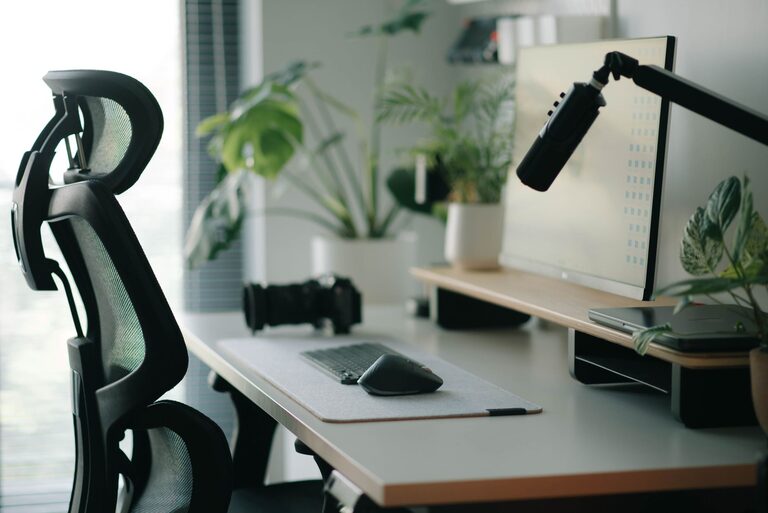
Creating a desk setup that promotes both focus and comfort can transform your workday. Whether you’re working from home, studying, or handling creative projects, an organized and ergonomic workspace helps reduce distractions and physical strain. In this post, we’ll explore practical tips to optimize your desk setup for maximum productivity and comfort.
Why a Good Desk Setup Matters
Before diving into the tips, it’s important to understand why your desk setup plays a key role in your work efficiency and health. A cluttered or poorly arranged workspace can cause distractions, increase stress, and lead to aches or injuries over time. Conversely, a well-planned desk supports good posture, easy access to tools, and a calm, focused mindset.
Choosing the Right Desk and Chair
Desk Height and Size
– Height: Your desk should allow your elbows to be at about a 90-degree angle when typing or writing. Standard desk height is usually around 28-30 inches, but this can vary depending on your height.
– Size: Choose a desk large enough to hold your essential items like your computer, notebook, and other tools without feeling cramped. Having extra space helps keep things neat and organized.
Ergonomic Chair
Invest in a chair that supports your lower back and encourages good posture. Features to look for include adjustable height, lumbar support, and comfortable cushioning. Sitting comfortably prevents fatigue and back pain during long sessions.
Optimize Monitor and Screen Placement
Eye strain is a common issue when working at a desk. Proper screen placement helps reduce this problem.
– Position: Place your monitor directly in front of you at about an arm’s length away.
– Height: The top of the screen should be at or slightly below eye level so you don’t have to tilt your head up or down.
– Dual Monitors: If you use two screens, arrange them so you can look straight ahead with minimal neck movement.
Lighting for Focus and Comfort
Proper lighting reduces eye strain and helps maintain alertness.
– Natural Light: Position your desk near a window to take advantage of natural daylight, but avoid glare on your screens.
– Task Lighting: Use a desk lamp with adjustable brightness and direction to illuminate your workspace without causing shadows.
– Avoid Overhead Harsh Lights: Soft, diffused lighting is easier on the eyes and creates a calm atmosphere.
Organizing Your Desk for Productivity
An organized workspace clears mental clutter and makes it easier to find what you need.
Declutter Regularly
Keep only items you use daily on your desk. Store away unnecessary papers, gadgets, or supplies.
Use Organizers and Storage
– Drawer Dividers: Separate pens, paper clips, and other small items.
– Shelves or Desk Trays: Keep documents and notebooks neatly stacked.
– Cable Management: Use clips or sleeves to prevent cords from tangling and creating a mess.
Personal Touches
Adding a small plant, photo, or inspirational quote can make your space inviting and motivate you without causing distraction.
Incorporate Movement and Breaks
Sitting for long periods can affect your health and focus. Set up your desk to encourage movement.
– Standing Desk or Converter: Consider a sit-stand desk that lets you alternate positions.
– Stretch Breaks: Place a timer nearby to remind you to take short breaks to stand up, stretch, or walk around every hour.
Maintain Good Posture While Working
Even with the best setup, how you sit matters.
– Keep your feet flat on the floor or on a footrest.
– Sit back in your chair so your lower back is supported.
– Keep your shoulders relaxed and avoid leaning forward.
Final Thoughts
A desk setup tailored to your needs can make work feel easier, more enjoyable, and less tiring. By focusing on ergonomics, organization, lighting, and movement, you’ll create a space that supports both your focus and your comfort. Start small, make gradual improvements, and pay attention to what feels best for you.
With these tips, you can build a workspace that not only looks good but also helps you perform at your best every day.